
Free · Now on Google Play
Download
Bloom Space.
The calmer social media app is free on Android today. On iPhone? Leave your email and we'll tell you the moment it reaches the App Store.
Android · Rated 12+ · In-app purchases optional · Package com.bloomspace.app
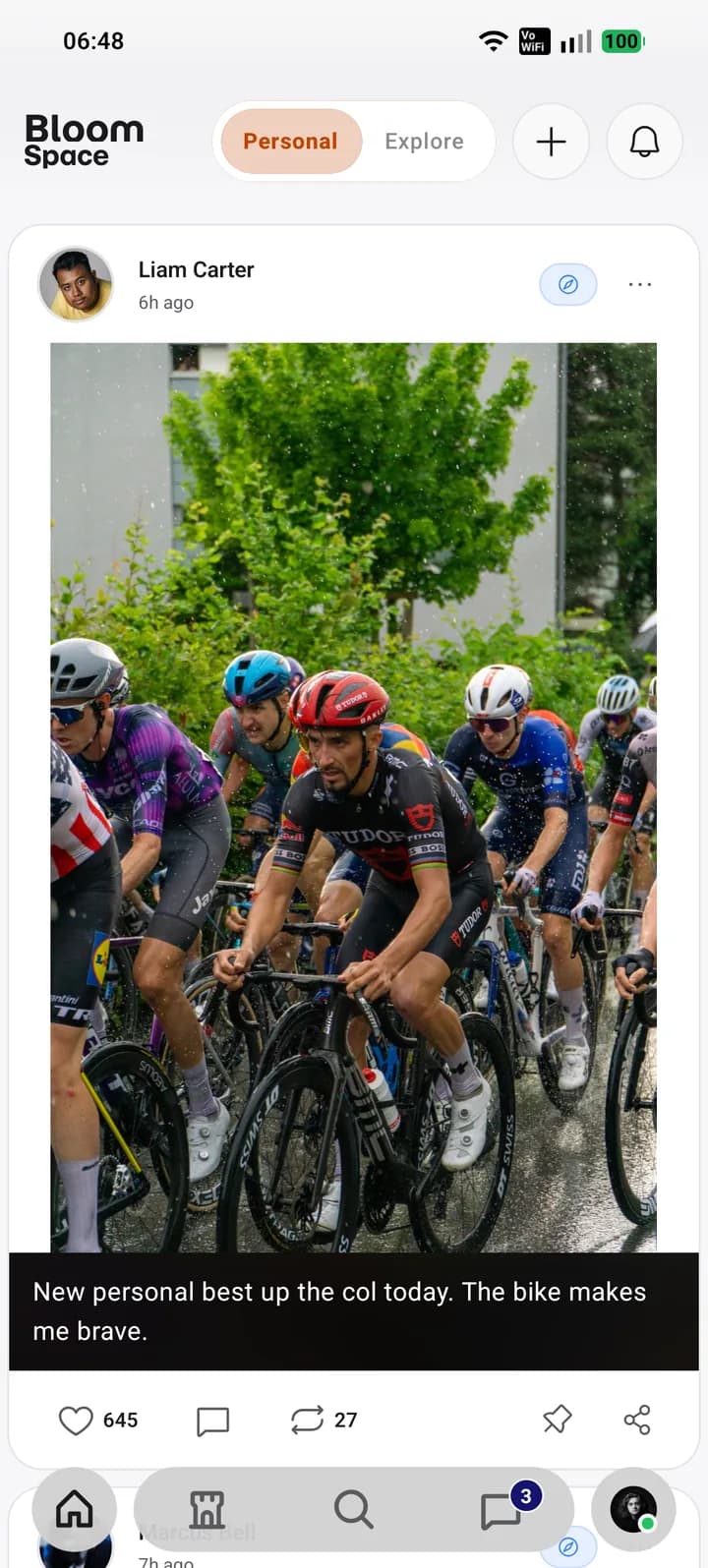
Getting started on Android
- Open Google Play on your Android phone and search for “Bloom Space”, or tap the button on this page.
- Install the app and open it. Sign up with your email or Google account and confirm your age.
- Set up your first persona: pick a name, a handle, an avatar and a display font.
- Join a sanctuary with an invite code, follow a few people, and post your first moment or clip.
Only install from Google Play
Bloom Space is published on Google Play by Untechlabs LLP. We do not distribute APK files anywhere else. An “APK download” for Bloom Space found on another website was not published by us, may have been modified, and will not receive security updates — please don't install it.
What you need
An Android phone with Google Play, an email address or Google account to sign up, and to be at least 13 years old (18 in India). Under-18 accounts get extra protections by default: no messages from strangers, no in-app purchases and stricter content filters. Read more on the child safety page.
Is Bloom Space really free?
Yes. Every feature described on this site is free. The only purchases are optional Petals packs for cosmetics (profile layouts, extra persona slots), tipping creators and paid sanctuary memberships. There are no targeted ads and Bloom Space never sells your data — see the privacy policy.
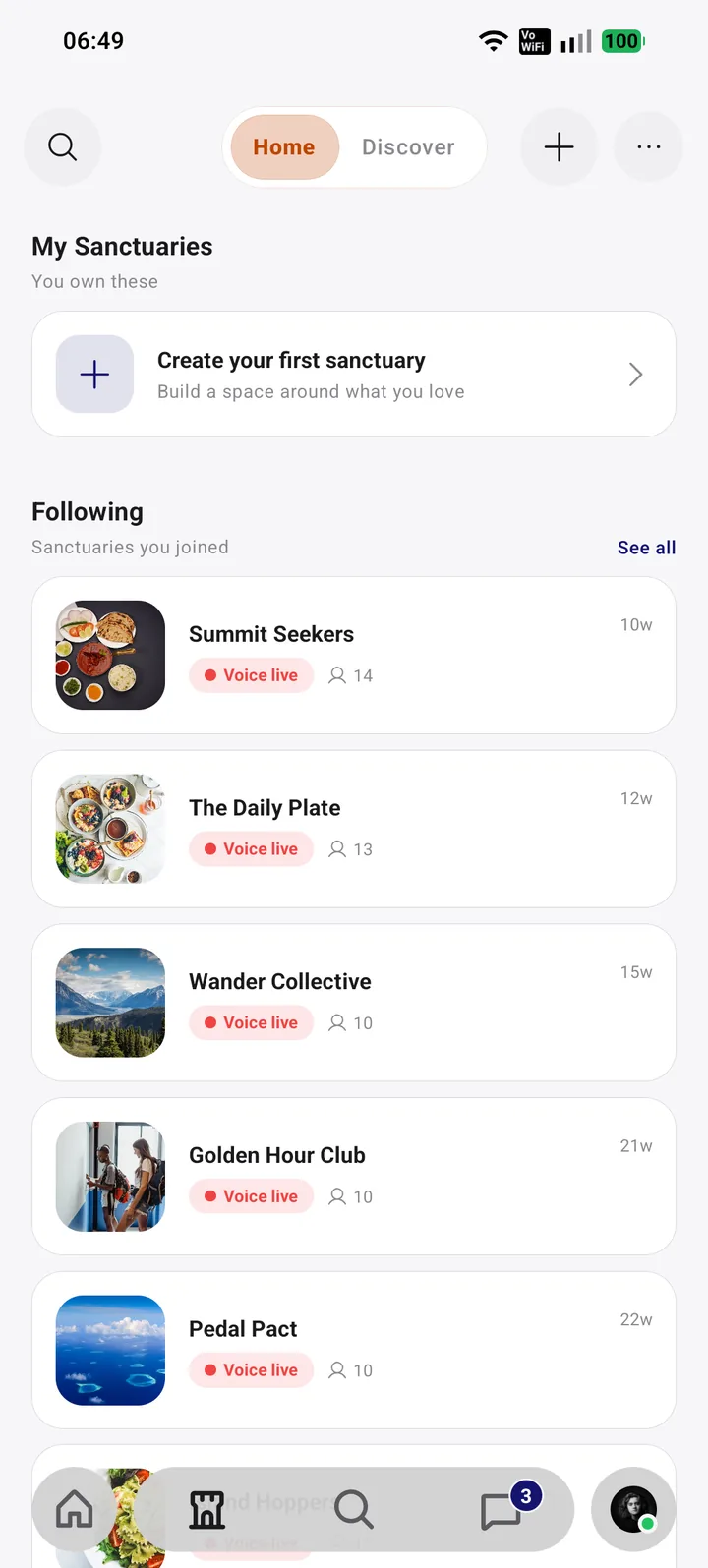
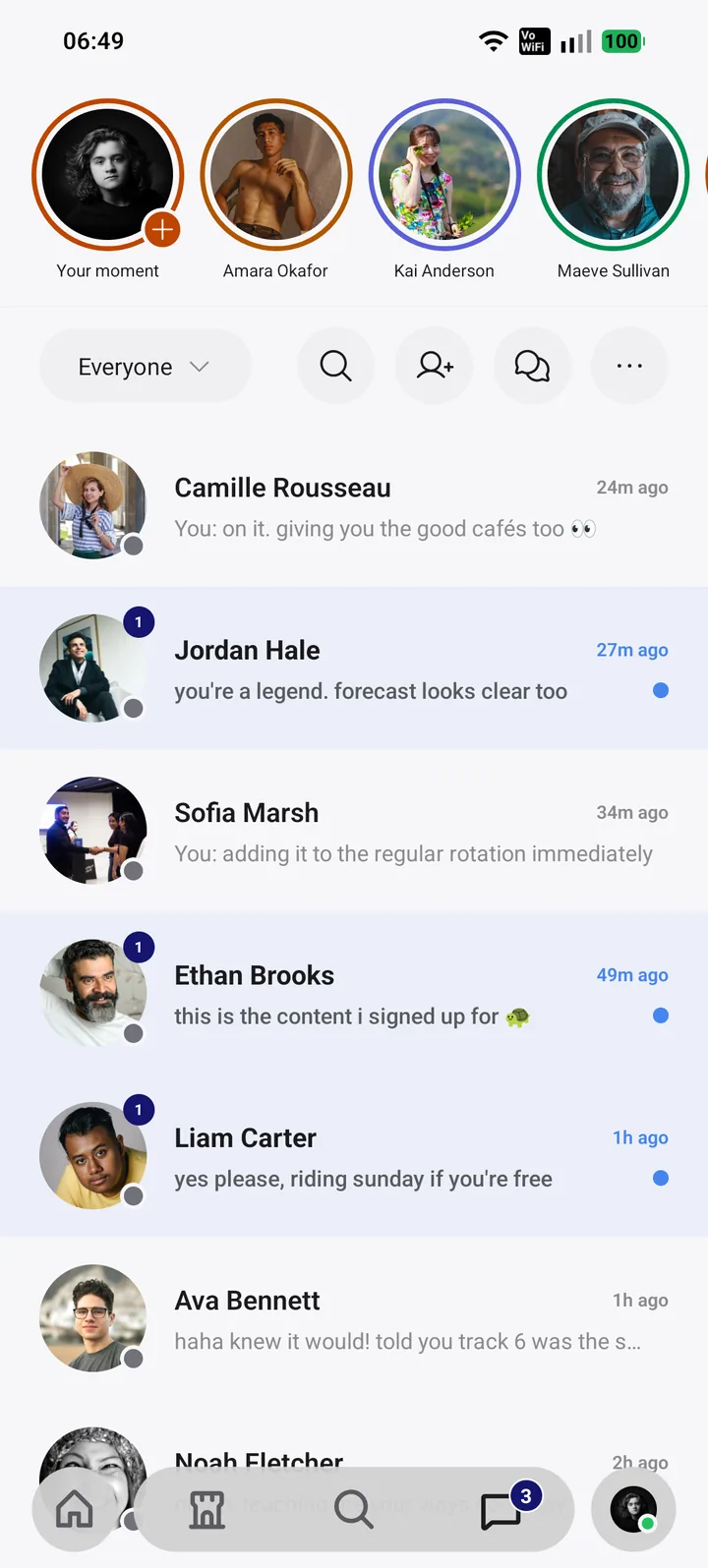
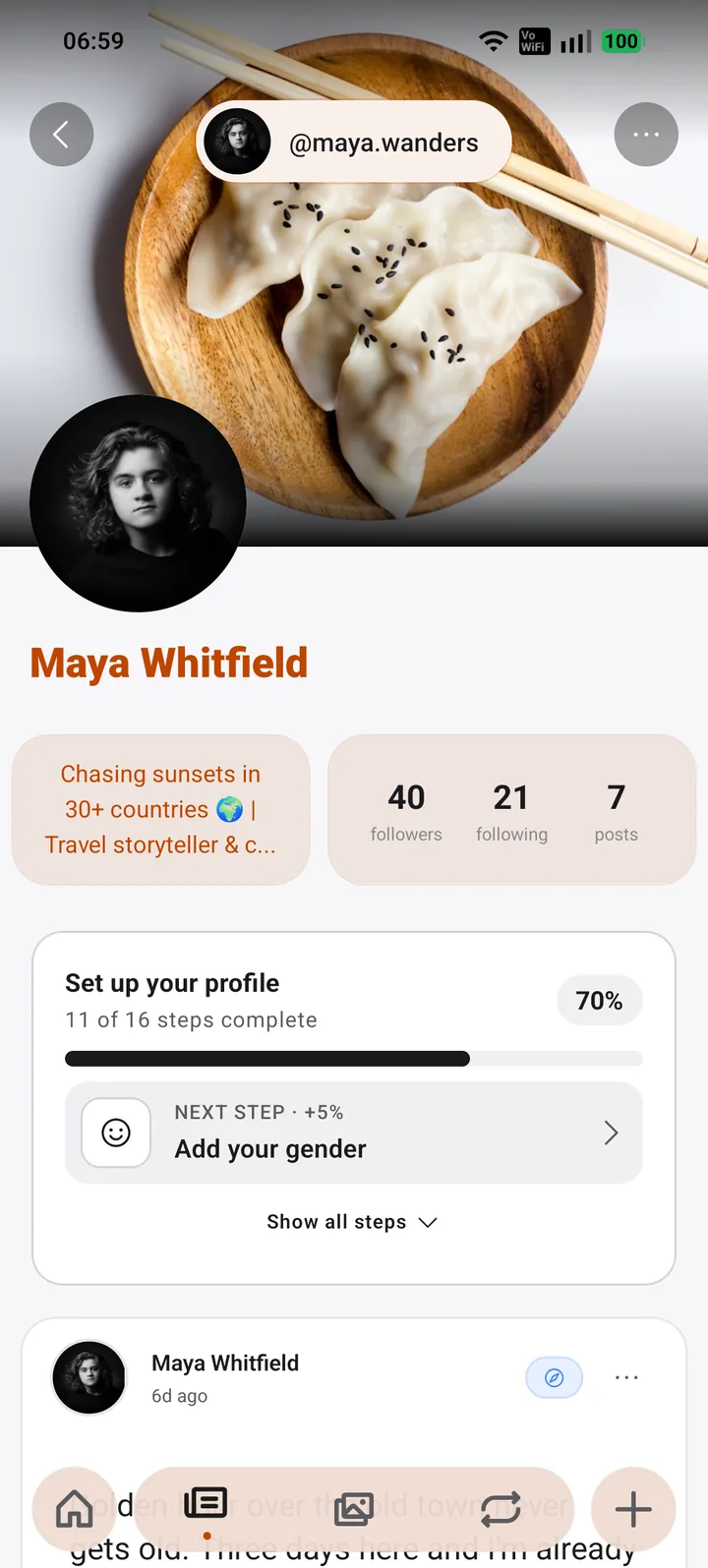
Screens
iOS waitlist
On iPhone? Join the waitlist.
We'll email you once, the moment Bloom Space lands on the App Store. No newsletters, no spam.